For the game. For the next shot.

Keep score.
Plan the next shot.

Your time belongs at the table. Follow a Rotation / Pool 61 game with 61 Score Keeper, plan a shot with Table Pad, or track a match with Rack Wins. Pick a tool and get into your game.

Choose your next move.

Three simple tools for game night and practice.

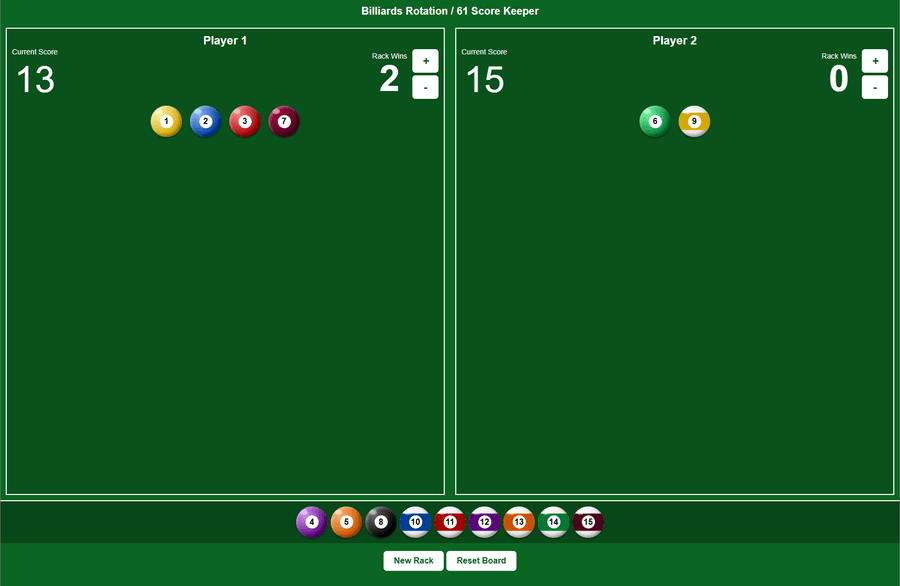
Score Keeper showing two players, their scores and rack wins, and numbered balls assigned to each player.

01 Keep the game moving

61 Score Keeper

Keep both players’ Rotation / Pool 61 scores and rack wins in view. Drag each pocketed ball to a player and let the board add its value. Start a new rack when you’re ready, with the rack-win counters still in place.

  • Automatic ball-value totals
  • Separate rack-win counters for each player
  • New rack and full board reset controls
Open 61 Score Keeper
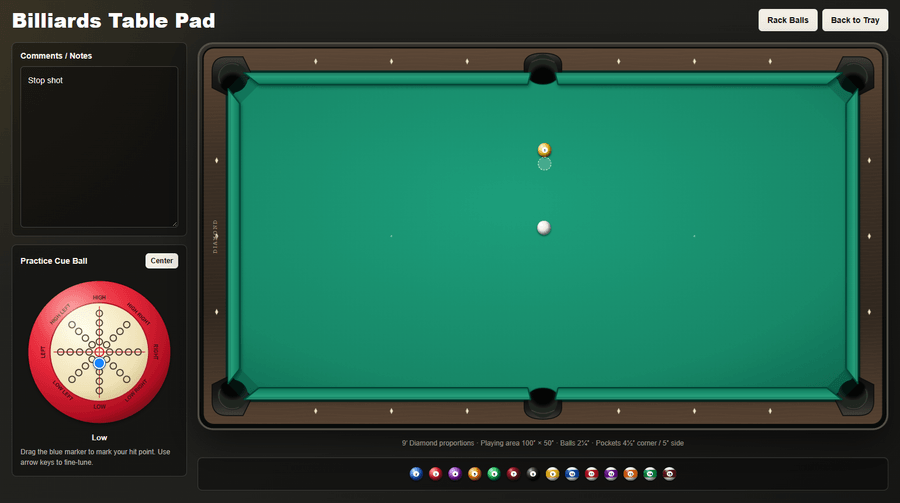
Table Pad with a green billiards table, movable balls, a notes panel, and a practice cue ball with a blue contact marker.

02 Give your practice a plan

Billiards Table Pad

Lay out a shot before you play it. Arrange balls on a proportioned 9-foot table, mark the cue ball’s intended position, and use the practice ball’s blue marker to show your tip contact. Keep your shot ideas beside the table.

  • Drag-and-drop ball layouts
  • Cue-ball position and contact markers
  • Comments and practice notes
Open Table Pad
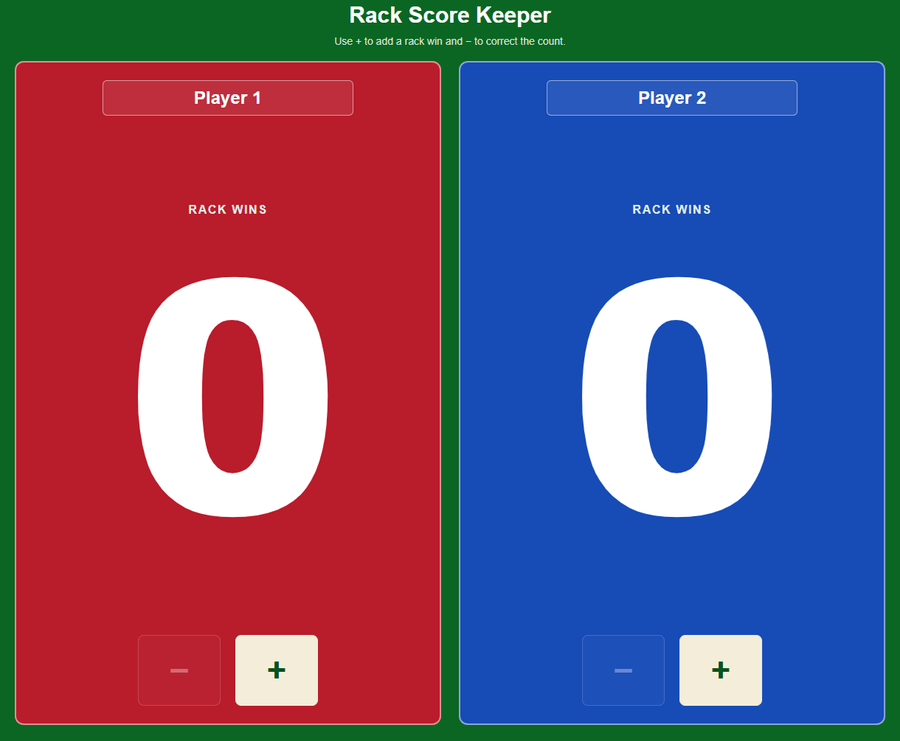
Rack Wins showing red and blue player panels, large rack totals, editable names, and plus and minus controls.

03 Make every rack count

Rack Wins

Keep the match score easy to see across the room. Large rack totals and red and blue player panels help everyone follow the game. Enter the players’ names, then tap plus or minus to update each player’s wins.

  • Large scores for easy viewing on an iPad
  • Red and blue panels with editable names
  • Simple plus and minus rack controls
Open Rack Wins